
Spot Trading
Binance Convert Fees: Why a Zero-Fee Quote May Differ From Spot
Binance Convert says it adds no traditional trading fee to a crypto conversion, but its quoted rate can differ from Spot. Compare the actual amount received before choosing either route.
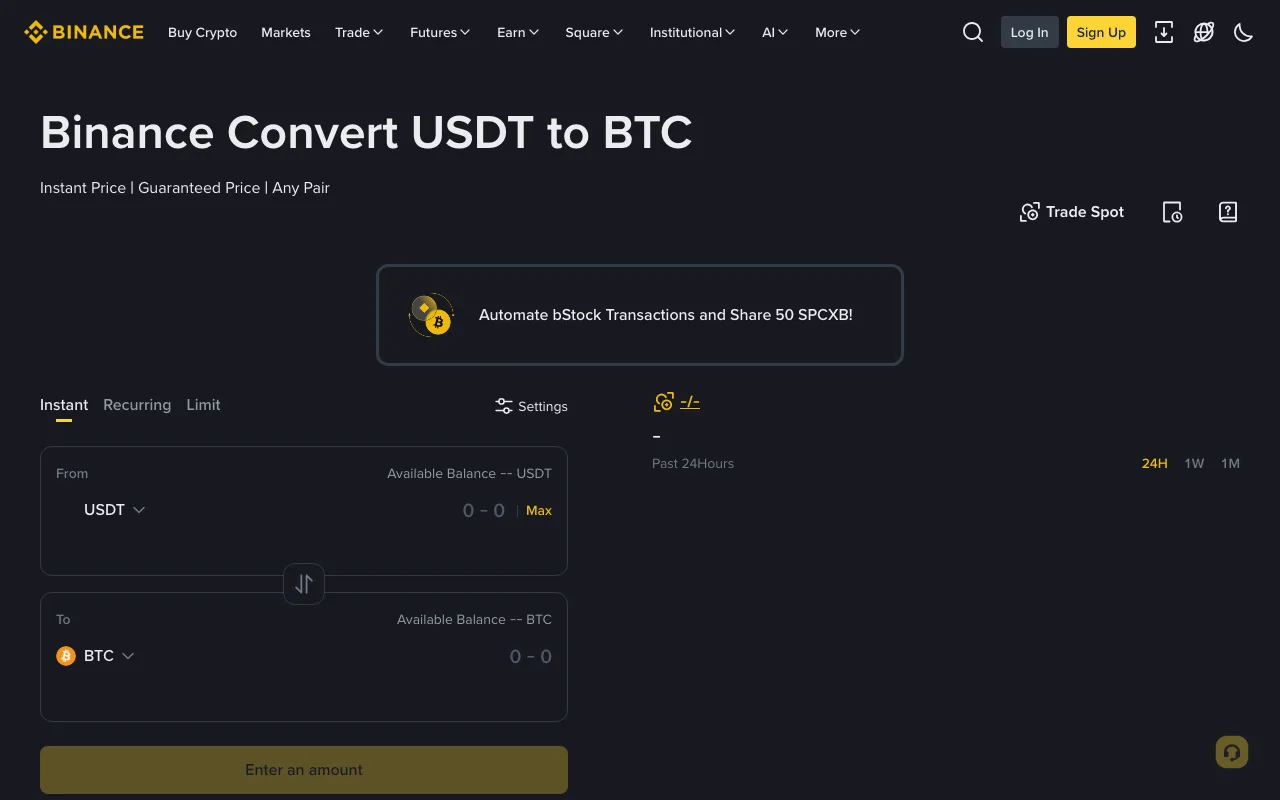
Binance Convert does not add a traditional trading fee when you convert one cryptocurrency to another, according to Binance's Convert FAQ. That does not mean its exchange rate must match the Spot market. Convert shows you a quoted amount to receive; a Spot order uses the order book and has its own trading fee. If you are choosing between them, compare the amount of the same asset you would actually receive for the same amount you spend.
Binance's public Convert page, captured on 4 October 2026 while logged out. The image shows where a conversion starts; it is not a live price quote or a completed trade.
What does “no trading fee” mean on Convert?
Binance says the amount shown in an Instant Convert preview is the amount credited if you accept that quote, with no additional fee beyond the quoted price. It also says the quote is dynamic and may differ from prices on Binance Spot. In other words, a separate commission line is not needed for the two routes to produce different amounts. Do not label the entire price difference a stated Binance fee: the public FAQ does not publish a fixed Convert spread or a universal rate. The comparison has to use current quotes for your pair and size.
The quote lasts only briefly. If it refreshes before you confirm, use the new receive amount, not a number copied from an earlier preview. Binance's Convert instructions describe the preview, confirmation and quote refresh. You may need to be logged in to see an executable quote; the screenshot above intentionally shows only the public form.
How to compare Convert with a Spot purchase
- Choose the same pair, direction and spending amount for both routes. For example, compare spending a given amount of USDT to receive BTC in Convert with buying BTC using USDT on Spot. Check that both screens refer to the same assets and that you have enough available balance.
- Open Convert's Instant preview and record its receive amount and the time. Do not confirm the conversion yet. Binance says this is the amount you will receive if you accept the current quote.
- On Spot, inspect the current buy price and available order-book liquidity for the same size. An order that consumes several price levels can have a different average execution price from the best price displayed. Estimate BTC received, then subtract the applicable Spot fee in the asset actually charged. Our Spot fee calculation guide explains how the fee asset and maker or taker rate affect that result.
- Compare the two net BTC amounts while the prices are still current. Refresh both if the market moves or the Convert quote expires. A Spot estimate is not a guaranteed fill; the final comparison after trading is your Convert History or Spot Trade History record.
For a compact calculation, use Spot net received = estimated BTC from the order book − estimated Spot fee in BTC when the fee is deducted in BTC. If eligible fees are paid in BNB, account for the BNB deduction separately instead of subtracting BTC. Convert's comparison figure is simply the current quoted BTC receive amount. This method does not assume either route is always cheaper.
Why a Spot order can also cost more than expected
A Spot market order prioritizes execution and can cross multiple order-book levels. A limit order controls its limit price but may wait or fill only partly. A limit order can also execute immediately as a taker, so its commission depends on the actual fill rather than the button you selected. See why a Binance limit order can incur a taker fee for that distinction.
The public Binance Spot fee schedule has different columns for account tier, fee payment and some pairs. Check the rate that applies to your account and pair before using it in the estimate. Any promotional rate may change. If you are new to the order screen, the Spot order types guide explains the execution trade-off between market and limit orders.
What to check after a conversion
Binance says completed Convert transactions appear in Convert History. Check the amount spent and the asset received against the quote you accepted. For a Spot trade, check each fill in Trade History, including its price, fee amount and fee asset. Comparing a Convert confirmation with a Spot screen viewed minutes later cannot isolate the route's cost because the market may already have moved.
This comparison is for crypto-to-crypto Instant Convert versus Spot. Convert also offers Recurring and Limit modes, whose pricing or execution rules differ; the Binance Convert FAQ describes those separately. Availability and terms can vary by account or region. Review the live quote and your own fee schedule before deciding, and never treat a zero-fee label as a guarantee of the best exchange rate.